
Your credit card journey starts here
Get set up, manage your account with confidence and take simple steps to stay on track.

1. Get set up
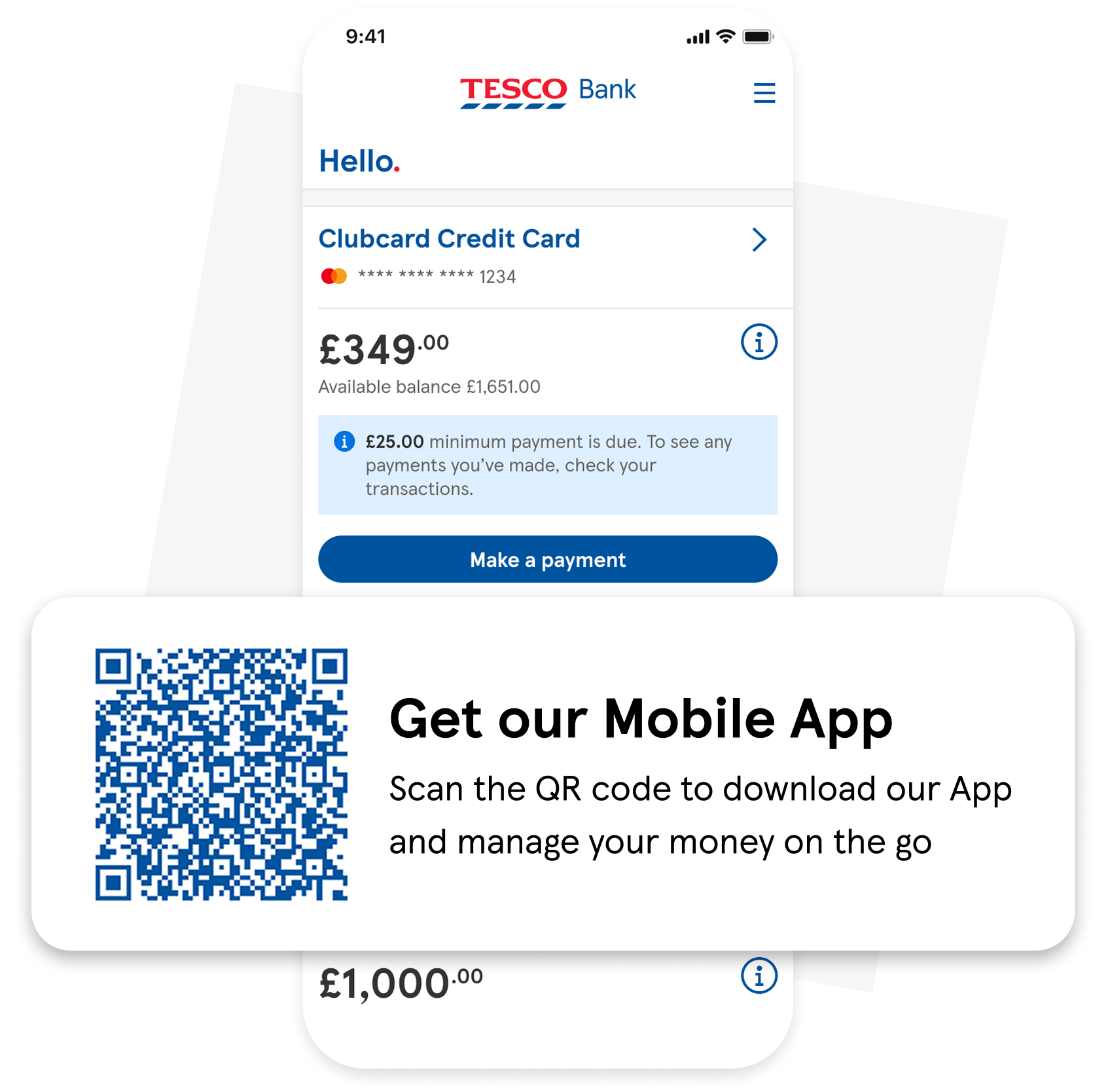
- Activate your card. You can activate your card in our Mobile Banking App. You’ll need your 3-digit CVV number shown on the back of your card.
- Balance or Money Transfers. If you’ve requested a balance transfer or money transfer the funds will be released once your card is activated.
Ready to activate your card? Download our Mobile App today.
2. Make the most of your account
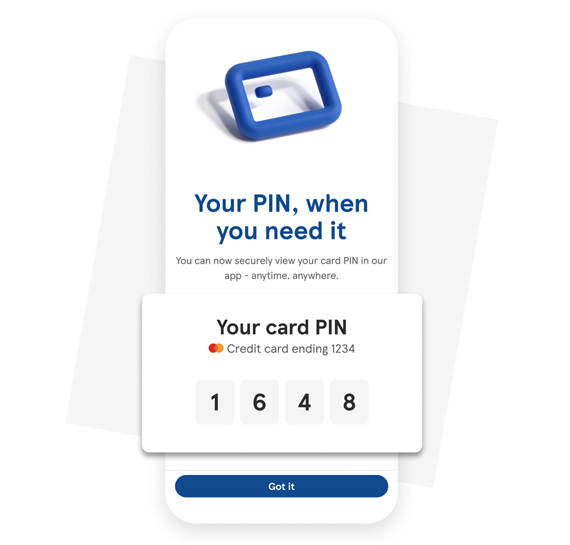
- View your PIN. View your PIN securely in the app whenever you need it. If you’d like to change your PIN you can change it at any cash machine.
- Use Apple Pay and Google Pay. Set up Apple Pay or Google Pay to make quick, secure payments online and on the go.
3. Ways to stay on track
- Set up your Direct Debit. An easy way to stay on top of your payments. Set up a Direct Debit and your monthly payment will be made automatically.
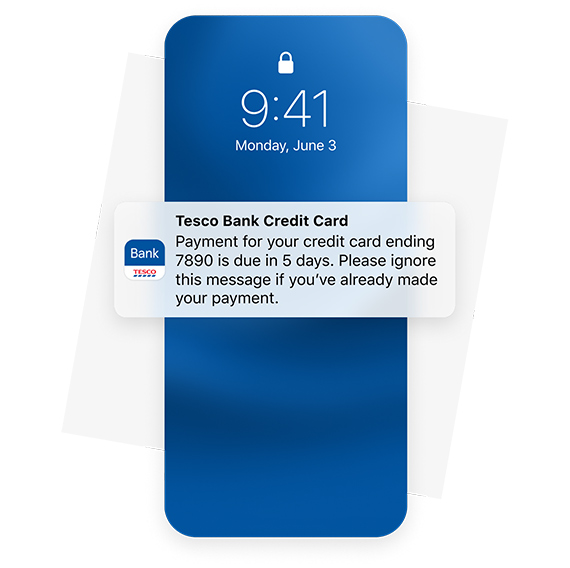
- Turn on notifications. Get alerts about payments, spending and important account activity, helping you stay informed wherever you are. Learn how to manage notifications.
Credit card help and guidance





Help us understand your needs
We can tailor how we speak to you, how we write to you and help you understand to make sure you get the right support.
Important information
View or download our Online Banking & Mobile Banking App Terms and Conditions (86KB, pdf).
Apple and the Apple logo are trademarks of Apple Inc., registered in the U.S. and other countries and regions. App Store is a service mark of Apple Inc. Apple Pay is a trademark of Apple Inc.
Google, Google Play, the Google Play logo, and Google Wallet™ are trademarks of Google LLC.

We're here to help
Get detailed answers to your questions about our products and more in our Help and Support Centre or contact our friendly, UK-based customer service team.