
Using our Mobile Banking App
Find support with registering for and using our Mobile App.
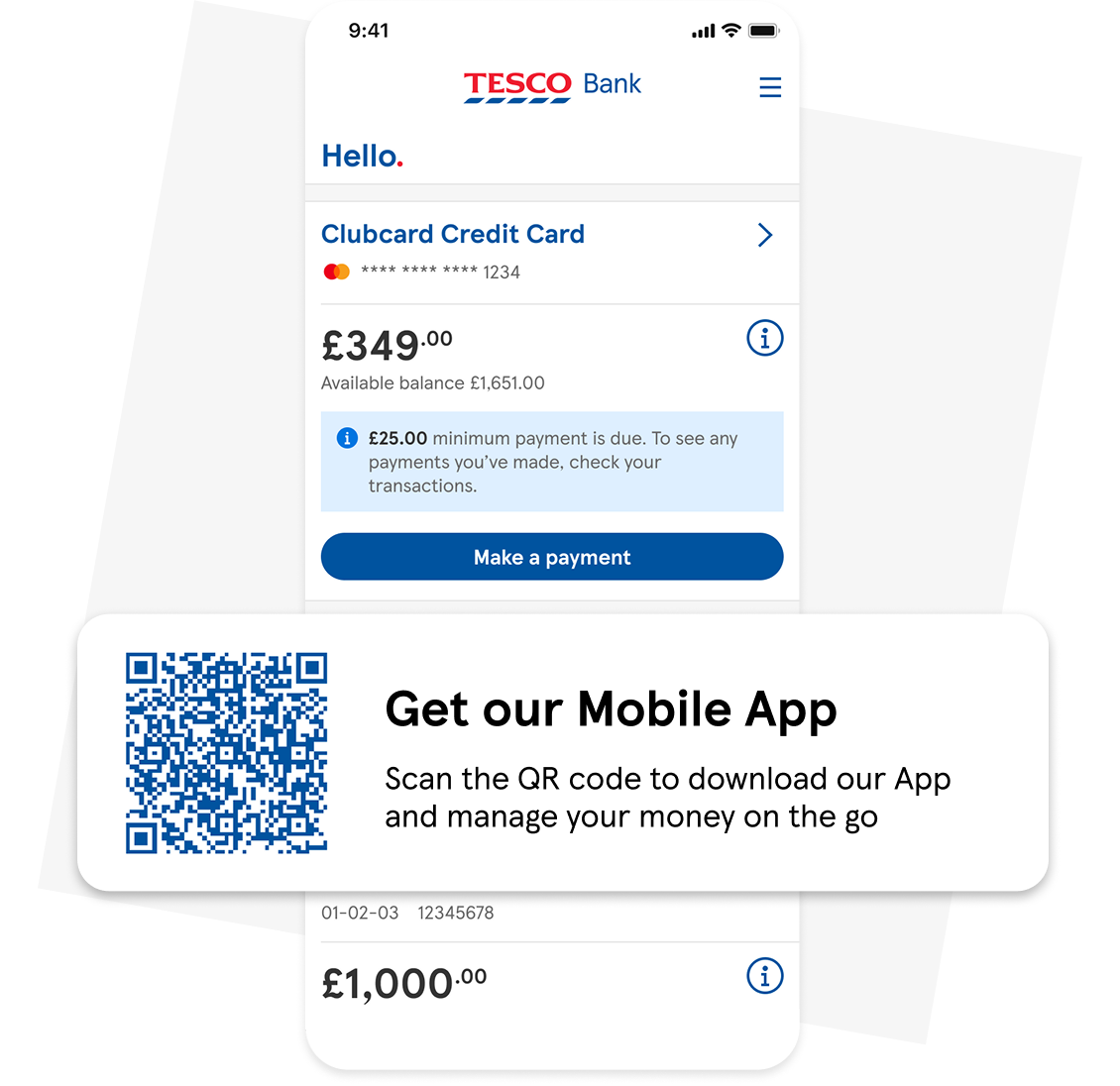
Manage your money instantly, anytime, anywhere with our Mobile Banking App
If you're ready to start using our Mobile Banking App, head to the App Store or Google Play Store and download the app now.
Registering for our Mobile Banking App
Getting started is quick and easy. Download our Mobile App and you’ll be ready to manage your money on the go in minutes.
- Download our Mobile App on the App Store or Google Play Store
- Open our Mobile App, and tap ‘Let’s get started’
- If you're already using Online Banking, simply use your existing username and password to log in
Set up your security credentials
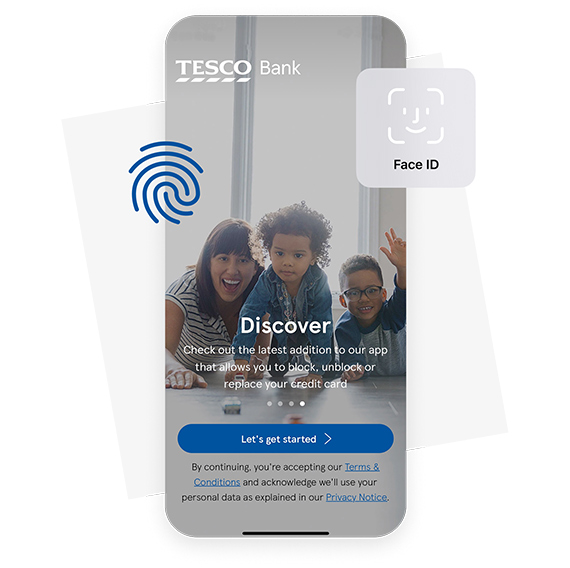
Join over 80% of our customers who are using Face ID or Fingerprint to log in quickly and securely. Set up your details once, then log in within seconds.
You’ll be asked to create:
- Username – we recommend using your email address
- Security number – a 6 digit number that isn’t easy to guess
- Password - at least 7 characters including letters and numbers
Once you’re set up, you can enable Face ID or Fingerprint.
All done! Start using our app straight away.
Using our app: step by step guides




Encountered a problem?
Get detailed answers to your questions on our support page and in our FAQs.
Important information
View or download our Online Banking & Mobile Banking App Terms and Conditions (86KB, pdf)
Apple and the Apple logo are trademarks of Apple Inc., registered in the U.S. and other countries and regions. App Store is a service mark of Apple Inc. Face ID and Touch ID are trademarks of Apple Inc.
Google, Google Play, and the Google Play logo are trademarks of Google LLC.