
Using Pay by Bank
The safe, simple way to pay or deposit straight from your bank.

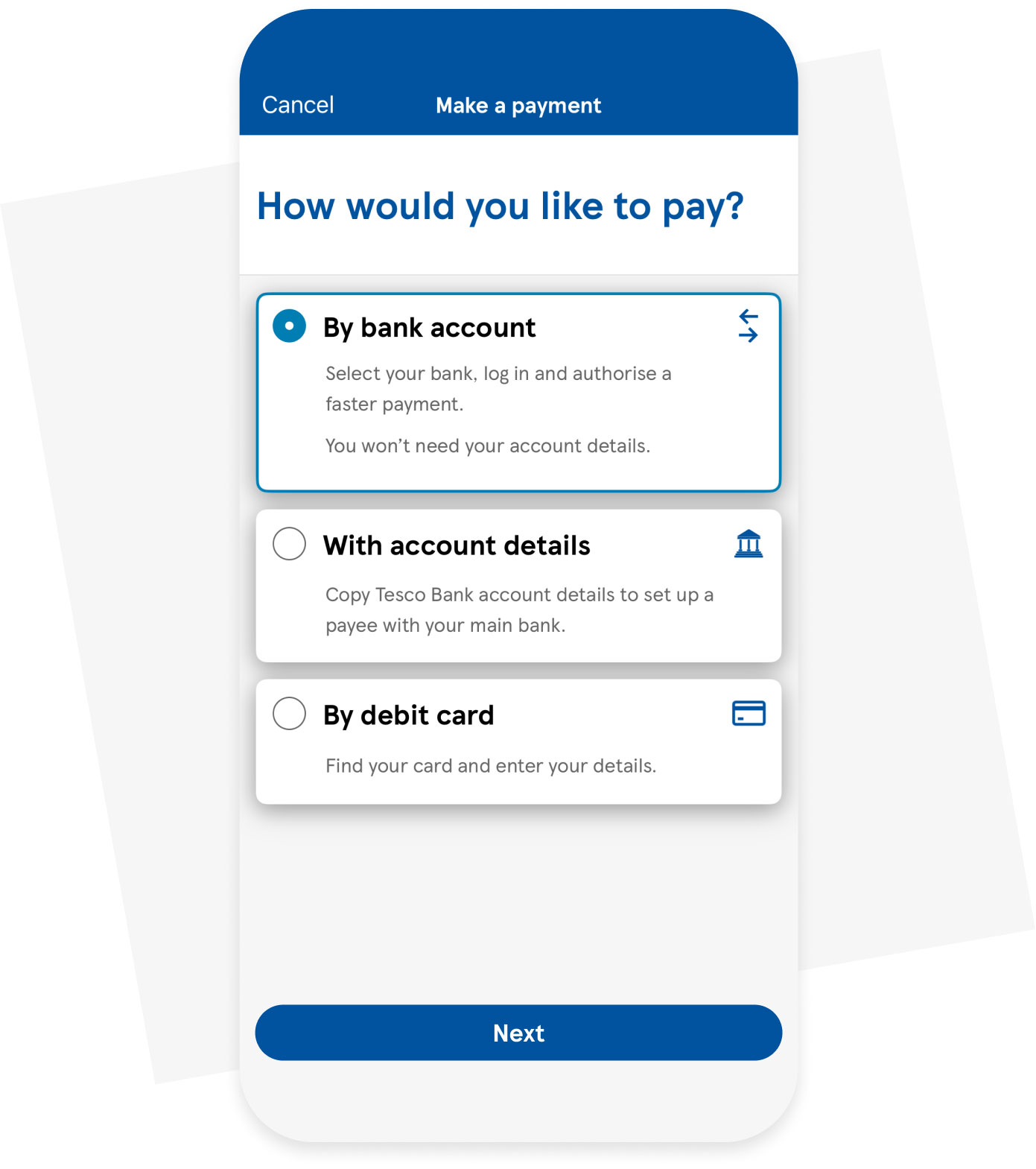
Choose Pay by Bank
- Your bank’s security keeps your details safe. Every payment is approved in your banking app, so you’re always in control.
- No waiting around. Pay straight from your bank account in just a few taps.
- No need to remember account details. Just tap, approve, and you’re done.
- Works with 20+ major UK banks. Wherever you bank, we've got you covered.
Where you can use Pay by Bank
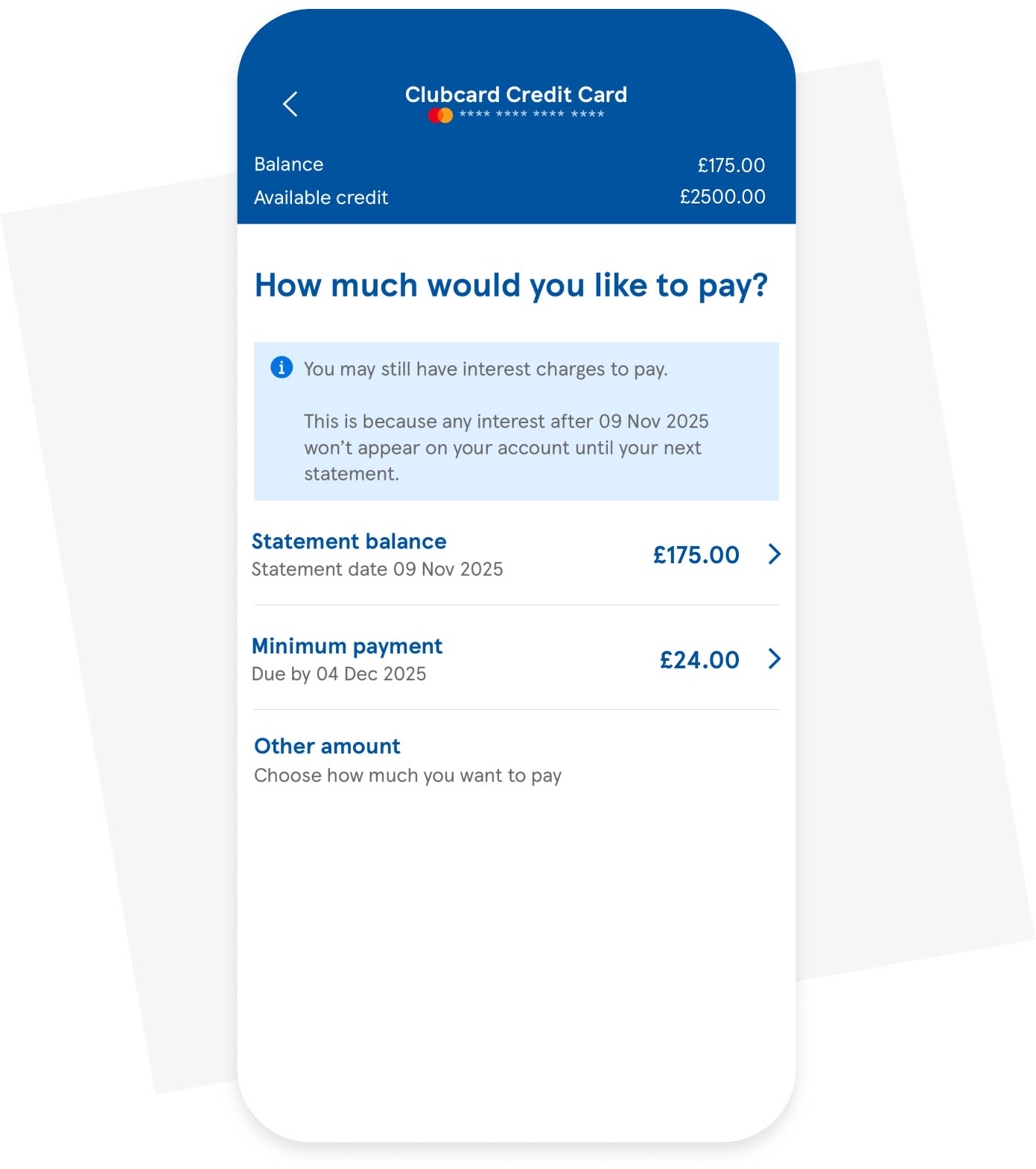
- Use Pay by Bank to make payments to your credit card or deposits to your savings account.
- Available in our Mobile Banking App and Online Banking if you’re a credit card customer.
- There are no fees for using Pay by Bank.

How to use Pay by Bank
- When you make a payment, choose 'By bank account' as your payment option.
- Pick the bank you’d like to pay from. With most banks, you’ll see your current account balance before you confirm.
- Your bank will guide you through their login and ask you to approve the payment. It’s that simple.
Download our Mobile Banking App today
Ready to get started? Head to the App Store or Google Play to download our app.
.svg)
.svg)

Need a hand? We’re here to help
Get detailed answers to your questions about our products and more in our Help and Support Centre and FAQs.
Important information
For further information on the Pay by Bank service please read the Terms and Conditions.