
Manage your savings account with Online Banking
Step-by-step help on using Online Banking to manage your savings account.
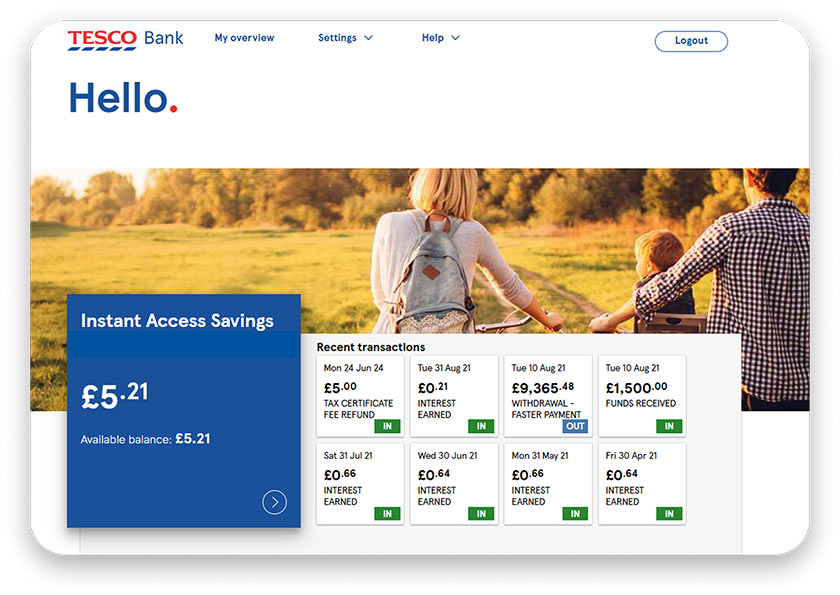
Check your savings account balance, interest rate, and transactions
- To view an account summary, select your savings account from your Online Banking overview
- Your account summary shows your balance, available balance, interest rate and, if applicable, your bonus rate end date and what your interest rate will be after your bonus period ends
- You can view a list of all your savings transactions since you opened your account
Access your savings account statements and documents
You can access your statements and documents securely through Online Banking:
- Select your savings account from your Online Banking overview
- Choose ‘Manage account’
- Go to ‘Your document store’, then ‘View your statements’ or ‘View all documents’
- Select the account you would like to view your statements or documents for
- Choose the statement or document you would like to view
- You can view all your savings statements since you opened your account
- You can also save and print your statements and documents
Your document has personal and financial details that could be misused if shared incorrectly. If you email, export, or print it, please keep it secure.
Pay into your savings account
- You can copy your sort code and account number to set up a Faster Payment or Standing Order from your account with another provider
- If you have more than one Tesco Bank savings account, you can move funds between your accounts by withdrawing money from one account to the other using the Quick Transfer option
- Our savings accounts have different minimum and maximum deposit limits. Please check the terms and conditions for your savings account before making a deposit
Withdraw money from your savings account
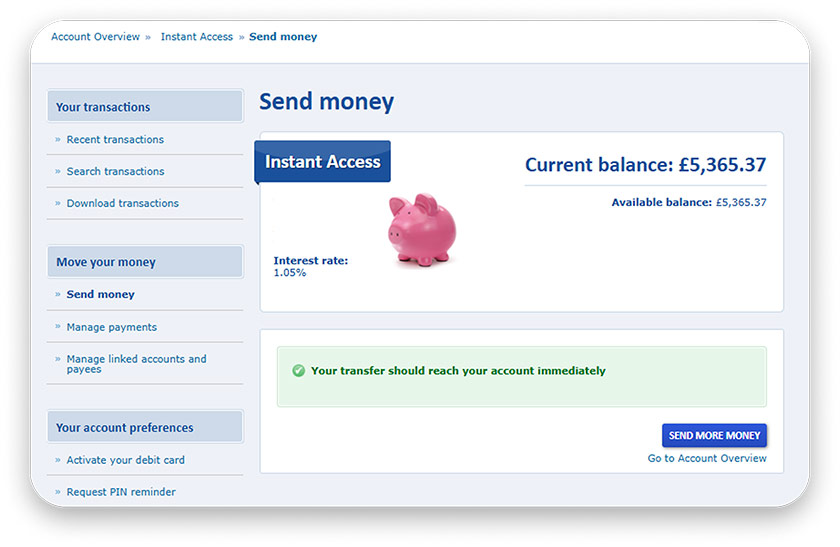
If you have an Internet Saver or an Instant Access savings account, you can withdraw money to another account in your name using Online Banking:
- Select your savings account from your Online Banking overview
- Select ‘Manage account’ then ‘Send money’
- Choose an account to send money to, or add a new linked account
- Enter a reference, amount, and date to send the payment
- Select ‘Next’ then ‘Confirm’ to complete the payment
If you’re withdrawing money from one Tesco Bank savings account to another, you can use a Quick Transfer:
- Choose the account and the amount
- Select ‘Send’ to complete the payment
For information on withdrawing money from an Instant Access Cash ISA, please see our FAQ How do I move money out to another account from my Instant Access Cash ISA?
Link your other Tesco Bank accounts
Do you have more than one Tesco Bank account but cannot see all your accounts in Online Banking? Follow these steps to manage multiple accounts:
- Log in to Online Banking
- At the bottom of your Online Banking Overview, select 'Add your other Tesco Bank accounts'
- Select the product you wish to add and enter your account details
If, after following these steps, you still cannot see your other account(s), please contact us
Using Online Banking: step by step guides



Encountered a problem?
Get detailed answers to your questions on our support page and in our FAQs.