
Manage your loan in our Mobile Banking App
Step-by-step help on using our Mobile Banking App to manage your loan.
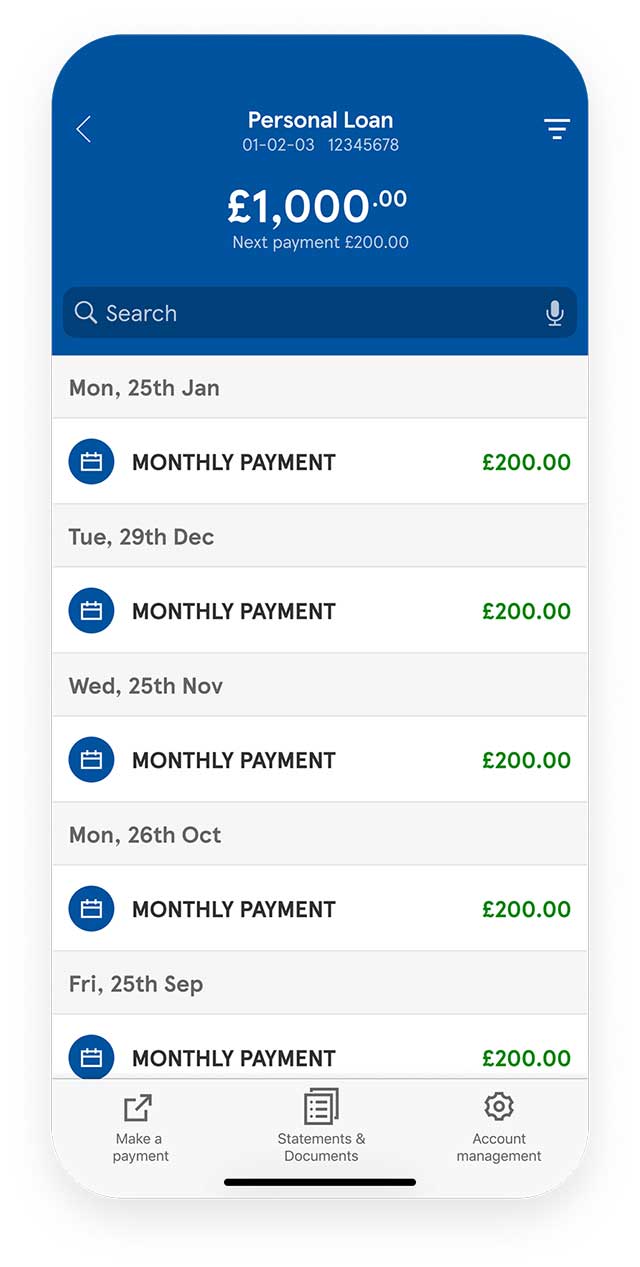
Check your loan account details, balance and payment history
- After you log in to our Mobile App, your account details, balance and next loan payment will be displayed on the home screen
- To view an account summary for your loan account, select the information icon next to your account name
- To check your loan payment history, select your loan account
- You can see all payments since your account opened
Access your loan account statements and documents
You can access your statements and documents securely through our Mobile App:
- Select your loan account from the home screen
- Use the menu at the bottom of the screen to select 'Statements and Documents'
- Choose the document you want to view
- You can view your statements from the last 5 years
You can also save and print your statements and documents using the share button.
Your document has personal and financial details that could be misused if shared incorrectly. If you email, export, or print it, please keep it secure.
Make an additional loan payment
You can make an additional loan payment at any time during your loan term, at no extra cost:
- Select your loan account from the home screen
- For iOS, select ‘Make a payment’ or, for Android, select the menu button at the bottom of the screen then select ‘Make a payment’
- You’ll be redirected to the Tesco Bank website, where you can learn more about additional payments and make a payment online
Settle your loan early
You can settle and close your Tesco Bank loan account at any time during the loan term by requesting an early settlement figure. There’s a fee of up to 2 months’ interest, but the total amount you repay may include an interest saving.
To request an early settlement figure:
- Select your loan account from the home screen
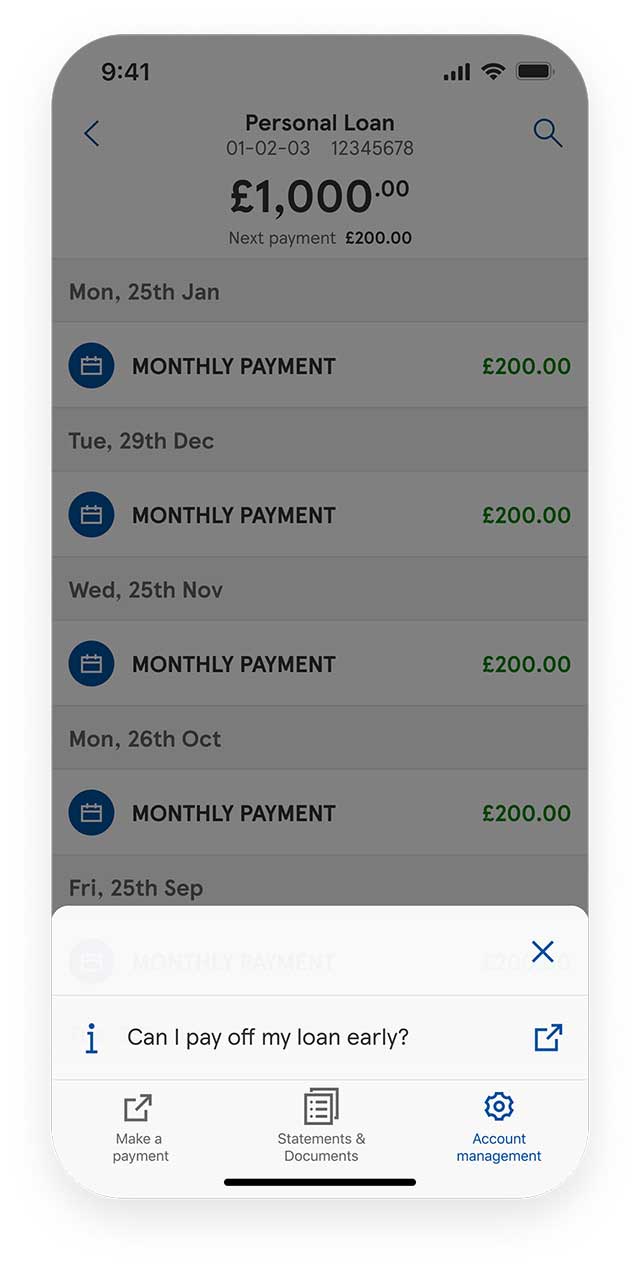
- For iOS, select 'Account Management' or, for Android, select the menu button at the bottom of the screen
- Select 'Can I pay off my loan early?'
- You’ll be redirected to the Tesco Bank website, where you can learn more about early settlement and request an early settlement figure
Link your other Tesco Bank accounts
Do you have more than one Tesco Bank account but cannot see all your accounts in our Mobile App? Follow these steps to manage multiple accounts on the move:
- From the home screen, select the settings menu at the top of the screen
- Under ‘Account’, select ‘Add Tesco Bank accounts’ then ‘Continue to Online Banking’
- Log in to Online Banking
- At the bottom of your Online Banking Overview, select ‘Add your other Tesco Bank accounts’
- Select the product you wish to add and enter your account details
If, after following these steps, you still cannot see your other account(s), please contact us.
Using our app: step by step guides



Encountered a problem?
Get detailed answers to your questions on our support page and in our FAQs.