
Using our Mobile Banking App
Find support with registering for and using our Mobile App.
Registering for our Mobile App
To register for our Mobile App, follow these steps and you’ll be ready to manage your money on the move.
- Download our Mobile App on the App Store or Google Play Store
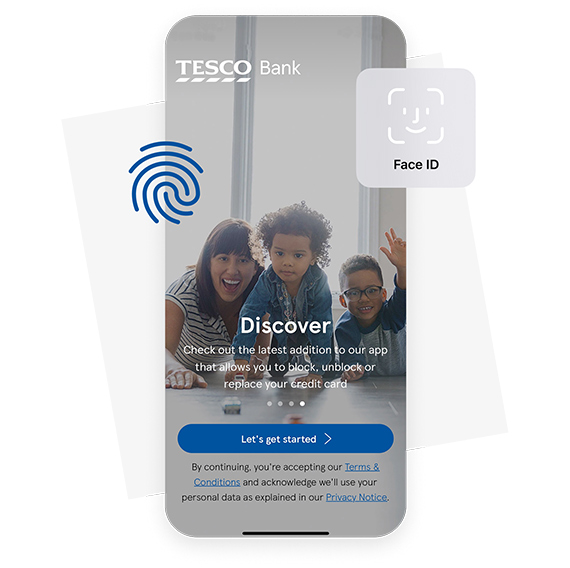
- Open the Mobile App, and select ‘Let’s get started’
If you've already registered for Online Banking, you'll just need to enter the username, security number and password you've previously set up.
If you haven't used Online Banking before, select 'Register' and we'll ask for your:
- Name
- Postcode
- Date of birth
- Account details
We’ll then send you a text message with an access code.
Choosing your security credentials
Once you've entered your access code, you'll need to choose your security credentials:
- Username – we recommend using your email address
- Security number – 6 digits that are not a simple pattern or your date of birth
- Password - at least 7 characters with letters and numbers, is case sensitive and cannot be the same as your username
You’ll be asked to set up Face ID, Touch ID, Fingerprint or Passcode.
You’re all set! You can now start using our App.
Using our App: step by step guides




Encountered a problem?
Get detailed answers to your questions about our products and more in our Help and Support Centre and FAQs.
Important information
Apple and the Apple logo are trademarks of Apple Inc., registered in the U.S. and other countries and regions. App Store is a service mark of Apple Inc. Face ID and Touch ID are trademarks of Apple Inc.
Google, Google Play, and the Google Play logo are trademarks of Google LLC.